

Colligo Briefcase Enterprise

Colligo Briefcase - Secure SharePoint iPad App

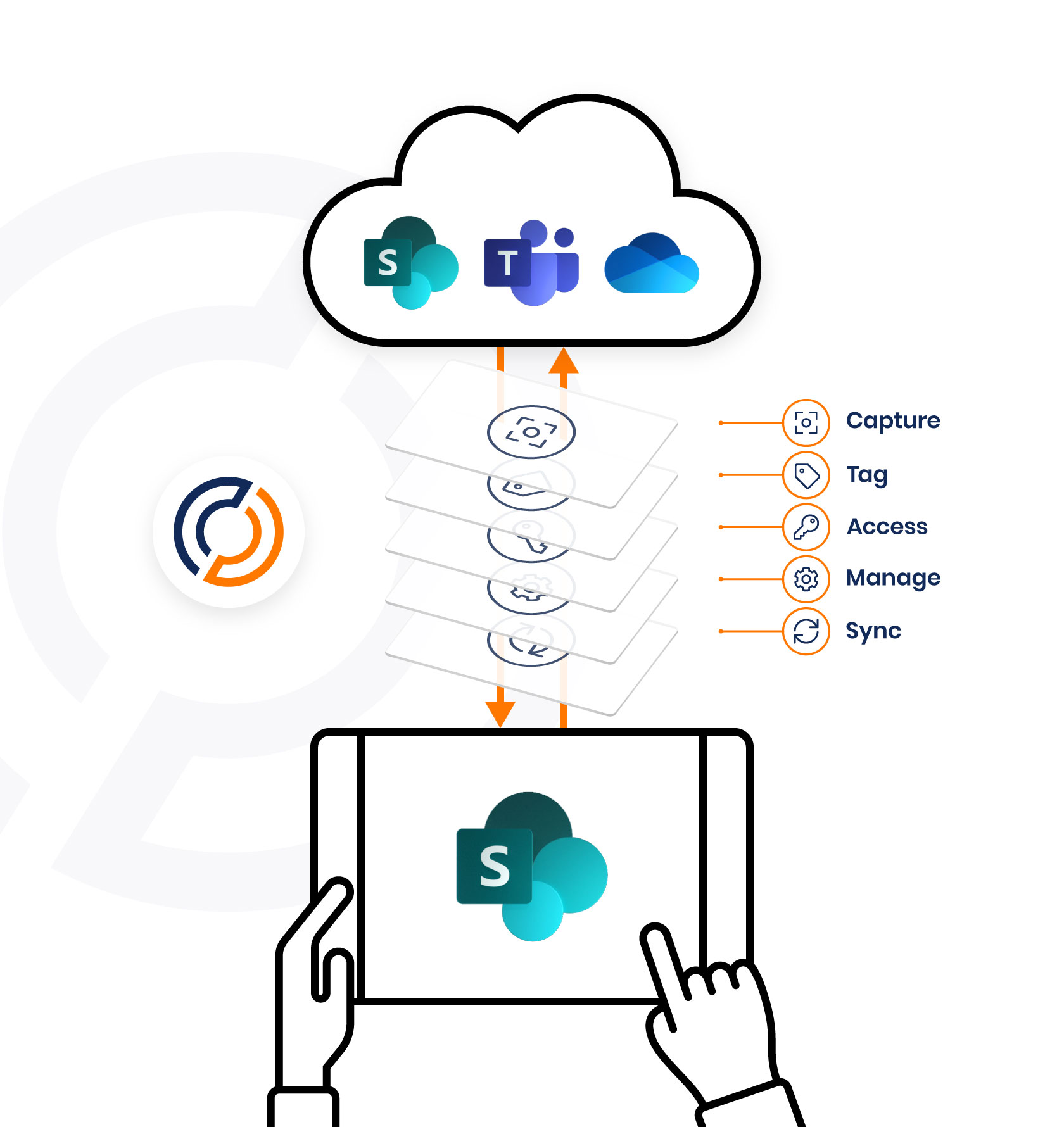
Easily store, view, sync, find, share, and edit SharePoint content on your iPad. Access and share files, lists, images, documents and emails.  Synchronize SharePoint content to your iPad automatically, for instant access, even when offline.

Colligo Briefcase is as easy to use as consumer file-sharing applications, encouraging SharePoint adoption while ensuring the security of your enterprise content.

Colligo Briefcase is available in three editions: Colligo Briefcase Enterprise, Colligo Briefcase Pro, and Colligo Briefcase Lite.


  • View SharePoint files including Office (Word, Excel, Outlook, PowerPoint) documents, PDFs, images, emails, on your iPad
  • Store SharePoint content offline for fast remote access
  • Easily share files using links to SharePoint documents
  • Find content fast with powerful search capabilities
  • Open and edit files in applications such as Documents to Go or GoodReader, syncing changes back to SharePoint
  • View document and file properties, including metadata
  • Edit files, lists and metadata, even while offline. (Pro and Enterprise editions)


Colligo Briefcase is the ideal solution for keeping our iPad users productive, while ensuring critical content is still managed within SharePoint.
- Bob Clark, Vice President of IT, Anthem Properties

Colligo Briefcase Enterprise Features

view

View

Browse and find content, without requiring a web browser. Navigate SharePoint sites using the intuitive folder tree, for immediate access to lists, images, documents, and emails, directly from the preview pane.

  • View SharePoint site content without requiring a browser
  • Preview files to quickly find the right document, then open for full-screen viewing
  • Open documents in third-party applications such as Documents-to-Go for editing
  • Print wirelessly using AirPrint-enabled printers on your Wi-Fi network
  • Use SharePoint views to selectively display visible content
  • View standard and custom lists, including events, issues, links, contacts, announcements, tasks, and agendas
  • View document properties, including any metadata supported by SharePoint
  • Receive alerts when new items are added or favorites are updated
sync1

Sync

Store SharePoint content offline for fast access, even when you’re not on the network.

  • Synchronize automatically or manually to ensure you have the latest content
  • Select specific items, folders, libraries, or entire sites to synchronize
  • Utilize SharePoint views to select specific content to sync within folders
  • Granular control of sync interval – 15/30/60 min, daily, or on app open
  • Limit application memory usage for offline storage on a per-site basis
  • Sync on Wi-Fi and 3G, with option to disable 3G sync
  • Store SharePoint content offline for fast access, even when you’re not on the network. Sync new or edited files back to SharePoint.
find

Find

Colligo Briefcase allows you to search your synced SharePoint content for documents and other files. Favorites provide quick access to commonly-used folders and files.

  • Search synced content for documents and other files
  • Set up favorites for quick access commonly used folders and files
share

Share

Colligo Briefcase lets you email links to documents in SharePoint, helping reduce the need for attachments and promoting the use of SharePoint for document storage and collaboration. Or, send the full document to external recipients without SharePoint access.

  • Email documents as links to SharePoint, reducing attachment proliferation
  • Copy links to be pasted into other documents or applications
  • Email documents as full attachments to external recipients (requires explicit permissions)
edit

Edit

Edit files, lists and metadata, even while offline. Open and edit files in other applications, syncing changes back to SharePoint.

  • Edit documents using 3rd party applications such as Documents to Go or GoodReader
  • Check in and check out files
  • Conflict detection and resolution
  • Edit metadata, including managed metadata and enterprise keywords
  • Edit custom and standard lists
  • Edit content while offline, sync changes when online
passcodeOptions

Enterprise security

Colligo Briefcase Enterprise is designed for today’s enterprise environments. Working seamlessly with Colligo Administrator, SharePoint sites, folders, and favorites can be administered centrally, or by importing/exporting configurations, allowing users to get started with zero setup.

Colligo Briefcase Enterprise supports centrally-managed installation, deployment, and customization, working in conjunction with major MDM (Mobile Device Management) systems.

  • Separate passcode to access the Colligo Briefcase application
  • Hardware-based encryption (AES-256 bit) for all stored data
  • Remote data wipe capabilities (via MDM systems)
  • SharePoint credentials stored in Keychain, providing the highest form of trust-chain security
  • Stored data can be wiped automatically on 10 failed login attempts
  • Ability to restrict the SharePoint sites accessed and content cached (via Colligo Administrator)
  • Ability to restrict which content can be shared with external recipients (via Colligo Administrator)
  • Supports all SharePoint authentication methods
admin-boxshot

Enterprise deployment

Colligo Briefcase works seamlessly with Colligo Administrator, a server-based console tool for configuring and managing Colligo’s desktop and mobile applications.

  • Centrally configure all Colligo Briefcase user settings on the iPad
  • Push out SharePoint sites and document libraries with zero user interaction
  • Monitor SharePoint and Colligo Briefcase usage via reports and metrics
  • Reduce deployment time and streamline the provisioning of iPads in the enterprise

Colligo Briefcase Pro

Colligo Briefcase Pro is ideal for small to mid-sized SharePoint deployments that don’t require the enterprise security, deployment, and management features available in Colligo Briefcase Enterprise.

  • Available from the Apple App Store
  • Separate passcode to access the Colligo Briefcase application
  • Granular control to specify which lists and libraries to synch, including by View
  • Sync limitation: Unlimited SharePoint sites
  • Offline storage: Unlimited
  • Supports SharePoint 2007, SharePoint 2010, or Office 365 sites
  • No server-side security options

Get Colligo Briefcase Pro

Colligo Briefcase Lite

In addition to Colligo Briefcase Enterprise, a free version, Colligo Briefcase Lite, is available for download from the Apple App Store. The Lite version has all the features of the enterprise version with the following restrictions:

  • Ability to add only one SharePoint site
  • Limited sync options and 50 MB cache
  • Enterprise security options disabled

Get Colligo Briefcase Lite

Colligo Briefcase Enterprise

Request a Trial

Securely sync and view SharePoint documents, emails, images, and lists on your iPad with Colligo Briefcase Enterprise.

Request a Trial